Compress images without losing quality.
OIMG uses state-of-the-art image compression techniques to reduce file size with minimal quality drop.
Save storage
OIMG supports modern image formats that achieve substantial efficiency gains over popular formats like PNG and JPEG.
Open effortlessly
, , or .


Remain in control
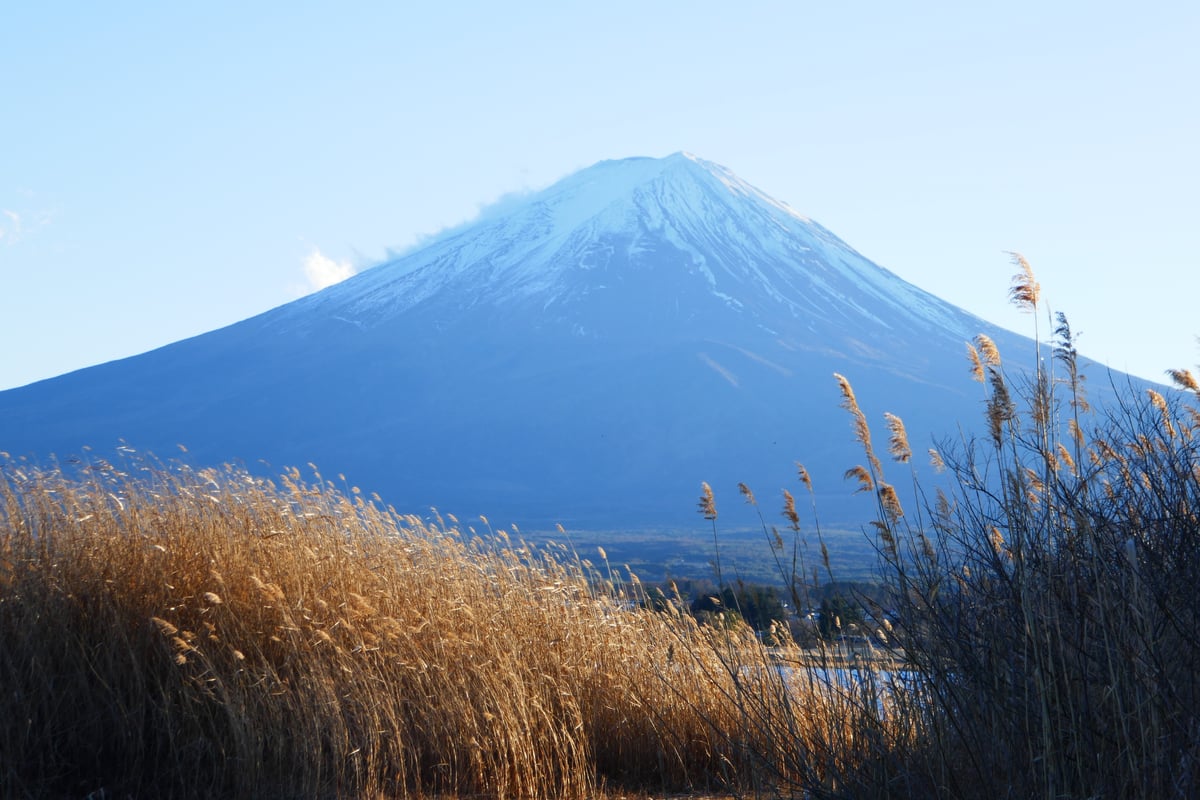
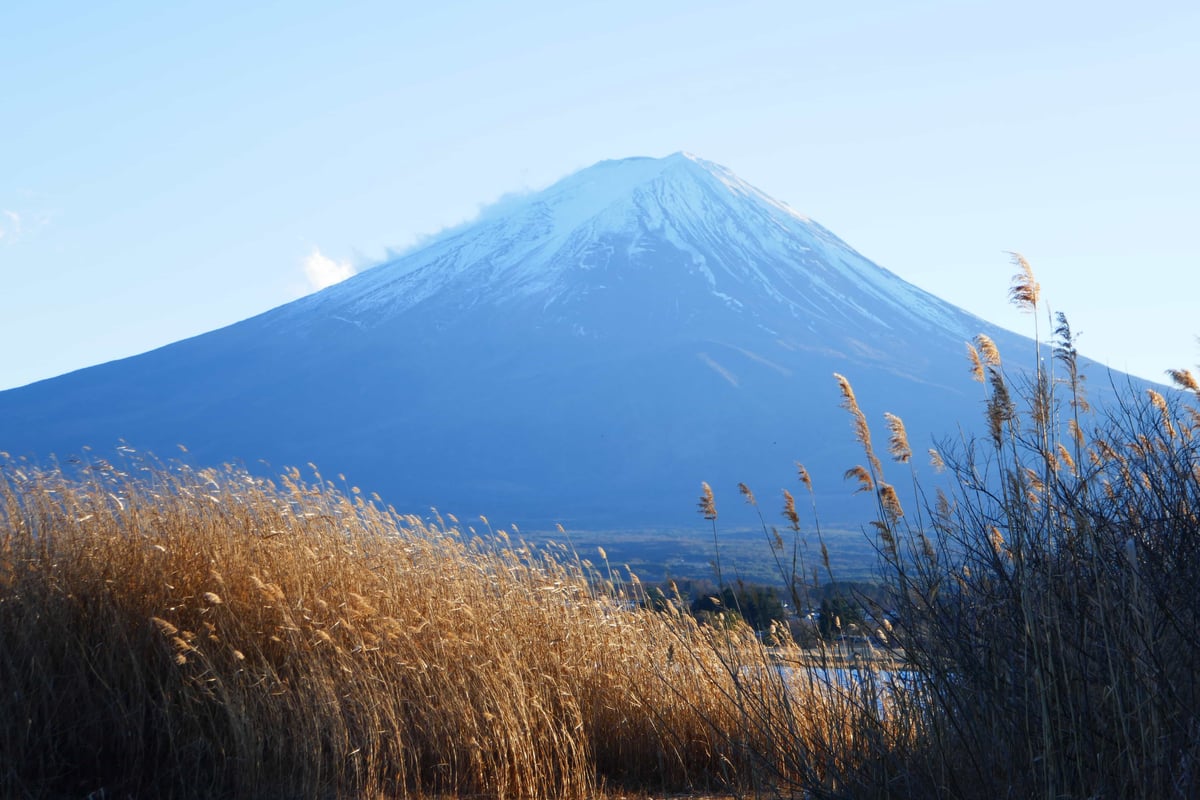
OIMG computes Pixel Match Percentage, MS-SSIM, and SSIMULACRA 2 in real time, so you can adjust proactively instead of experiencing unexpected quality drops.
Find optimal thresholds
Explore the size vs. quality trade-off by visualizing quality metrics and compression efficiency on a graph.
Compatibility? No problem.
Convert back to JPG or PNG on demand with one click. (This is handy when uploading images to old websites!)

Built for speed
OIMG is written in Rust for speed and memory safety, and utilizes multithreading and SIMD optimizations so that you can make the most of your time.
Private by design
OIMG makes zero network calls. All data stays local.
Free and Open Source
OIMG is free for personal and academic use forever, and is open sourced under GPLv3 license. Please contact [email protected] to discuss custom license arrangements.